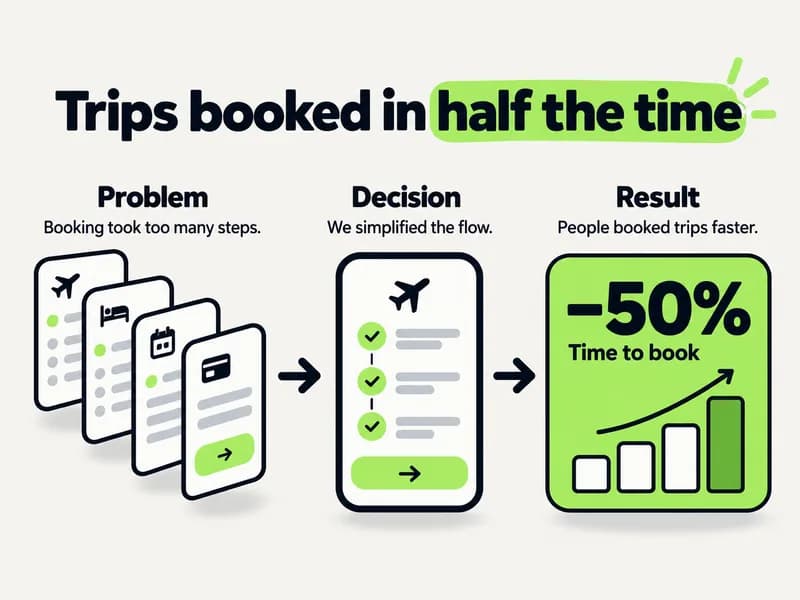
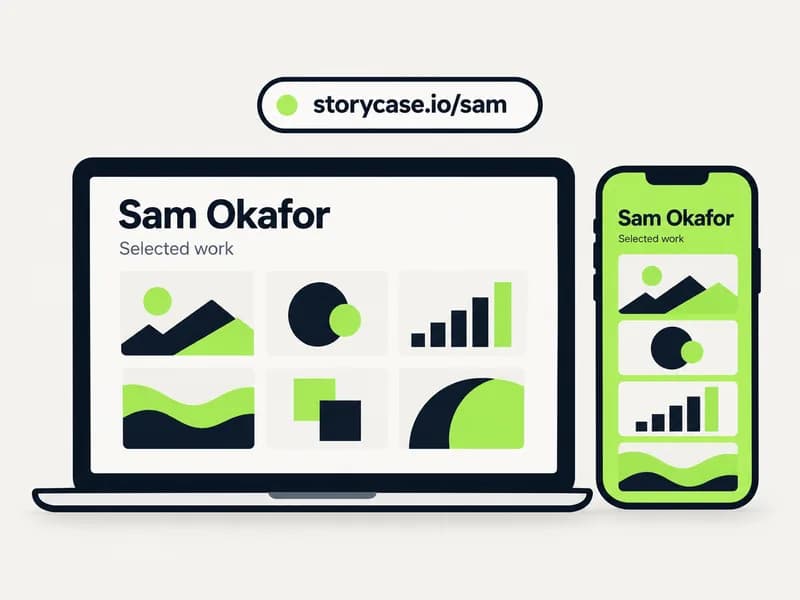
Skip to content
Storycase

Portfolios for people who ship

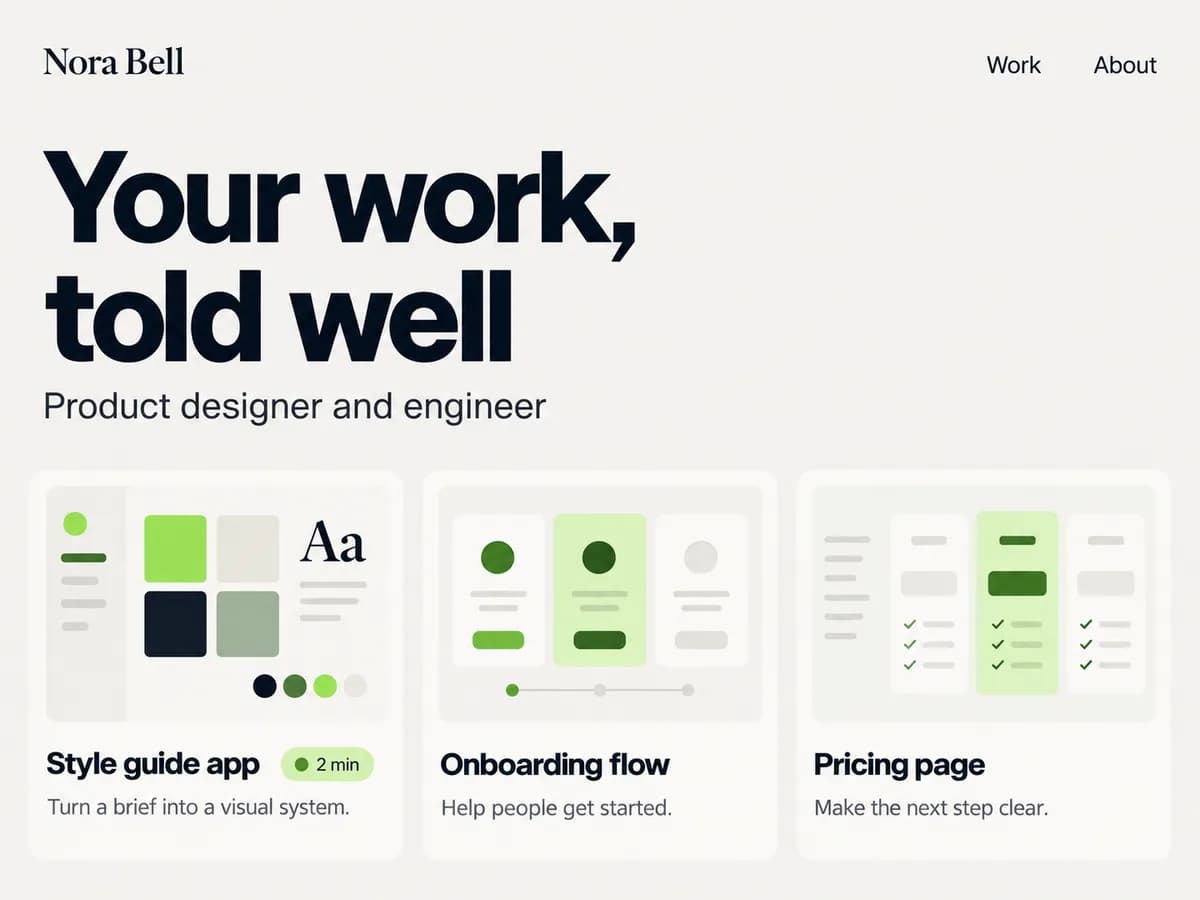
Your work,
told well.

One project, one story, any style. Upload your screens and a few notes; Storycase drafts a results-first case study and you publish it.

The Free plan needs no card, and your first case study is on us.

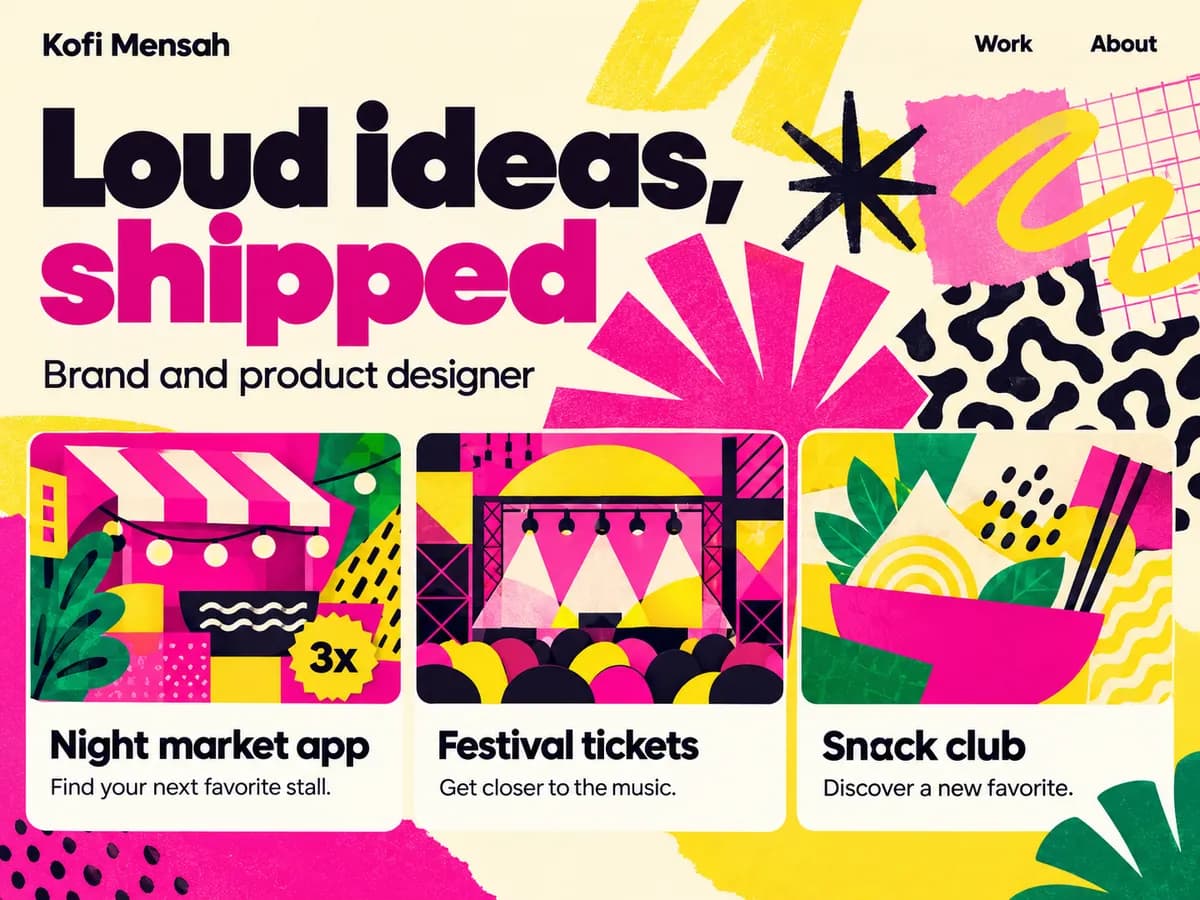
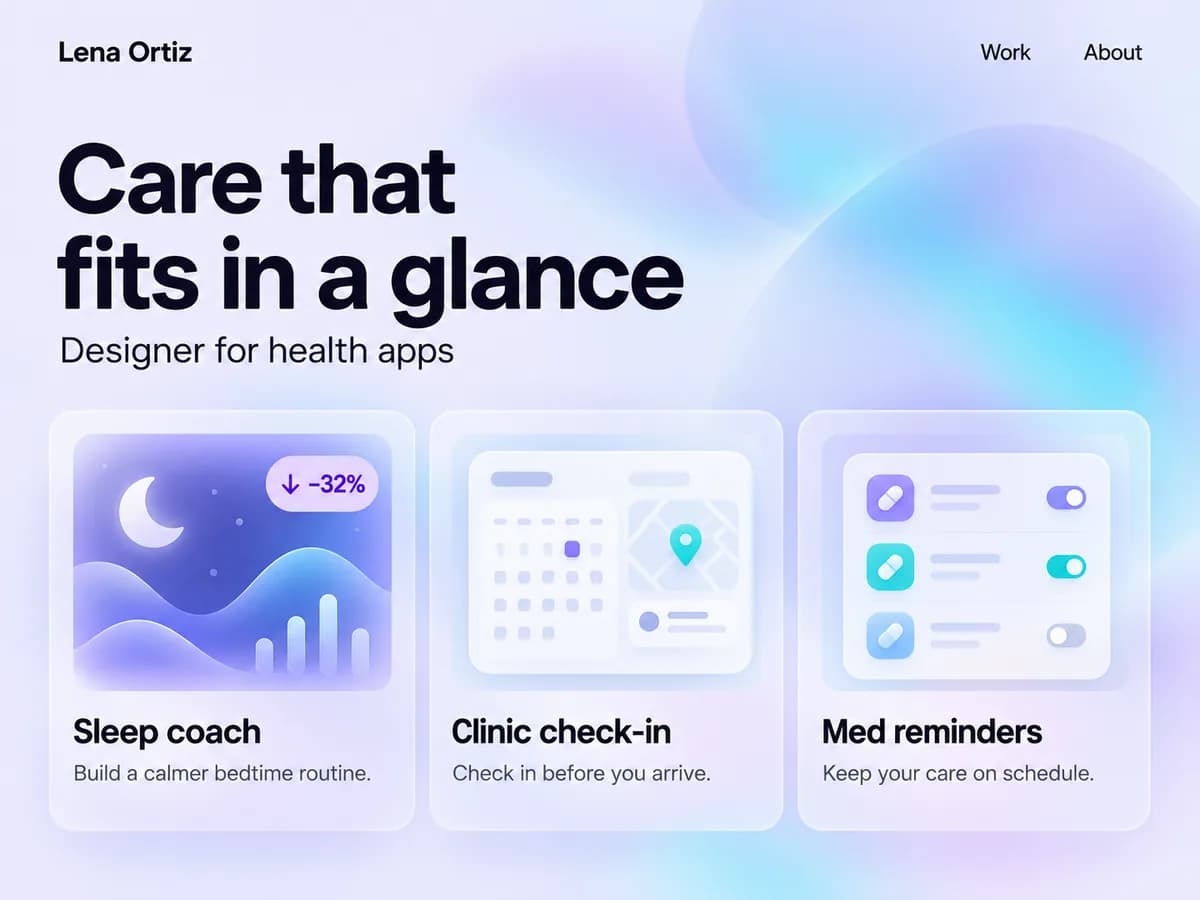
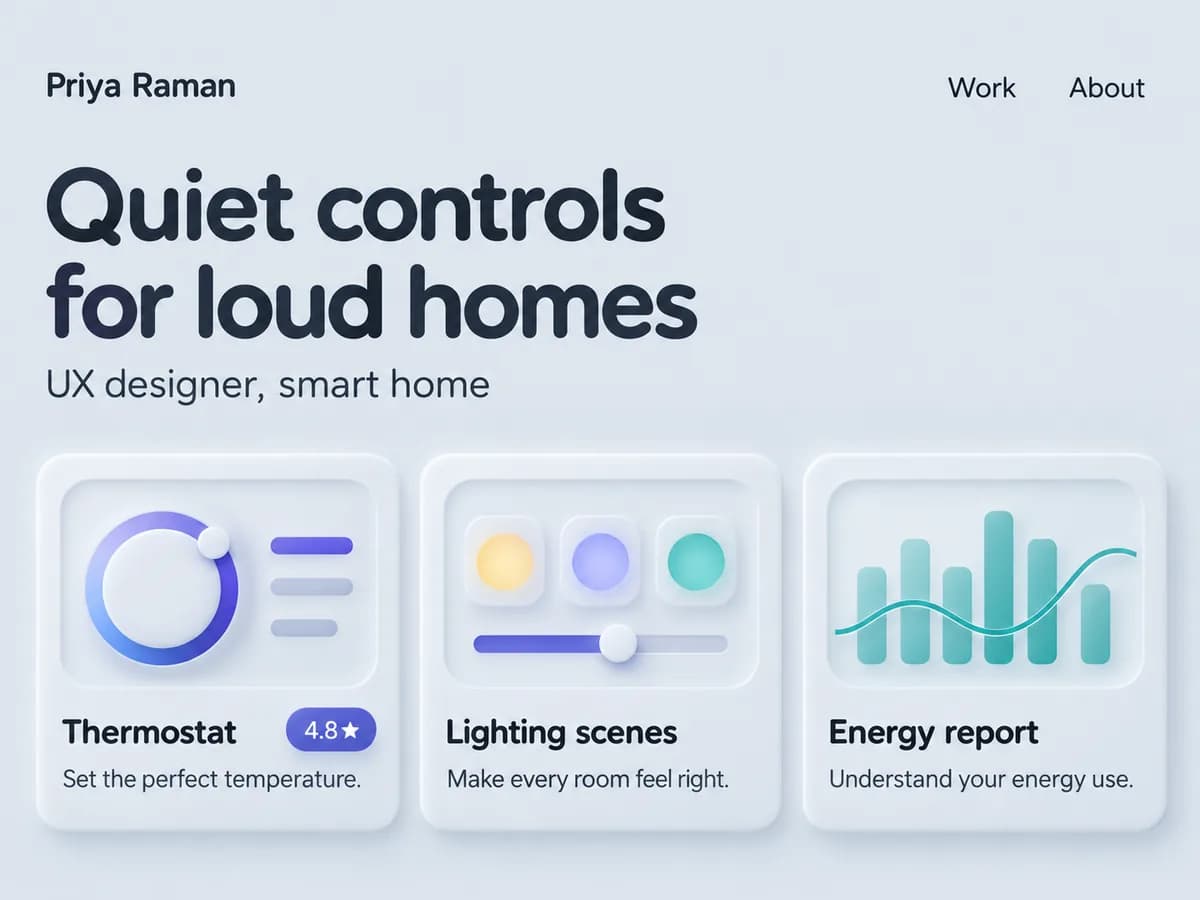
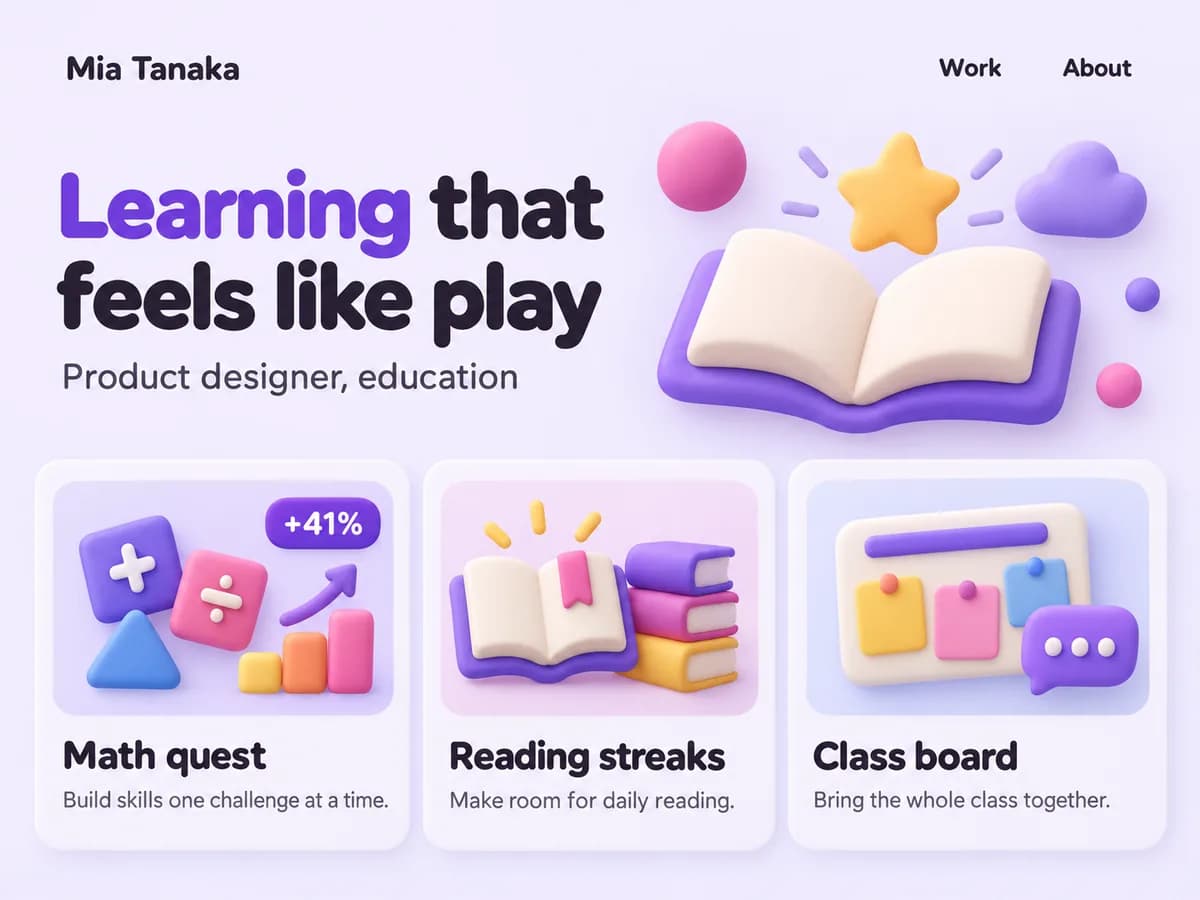
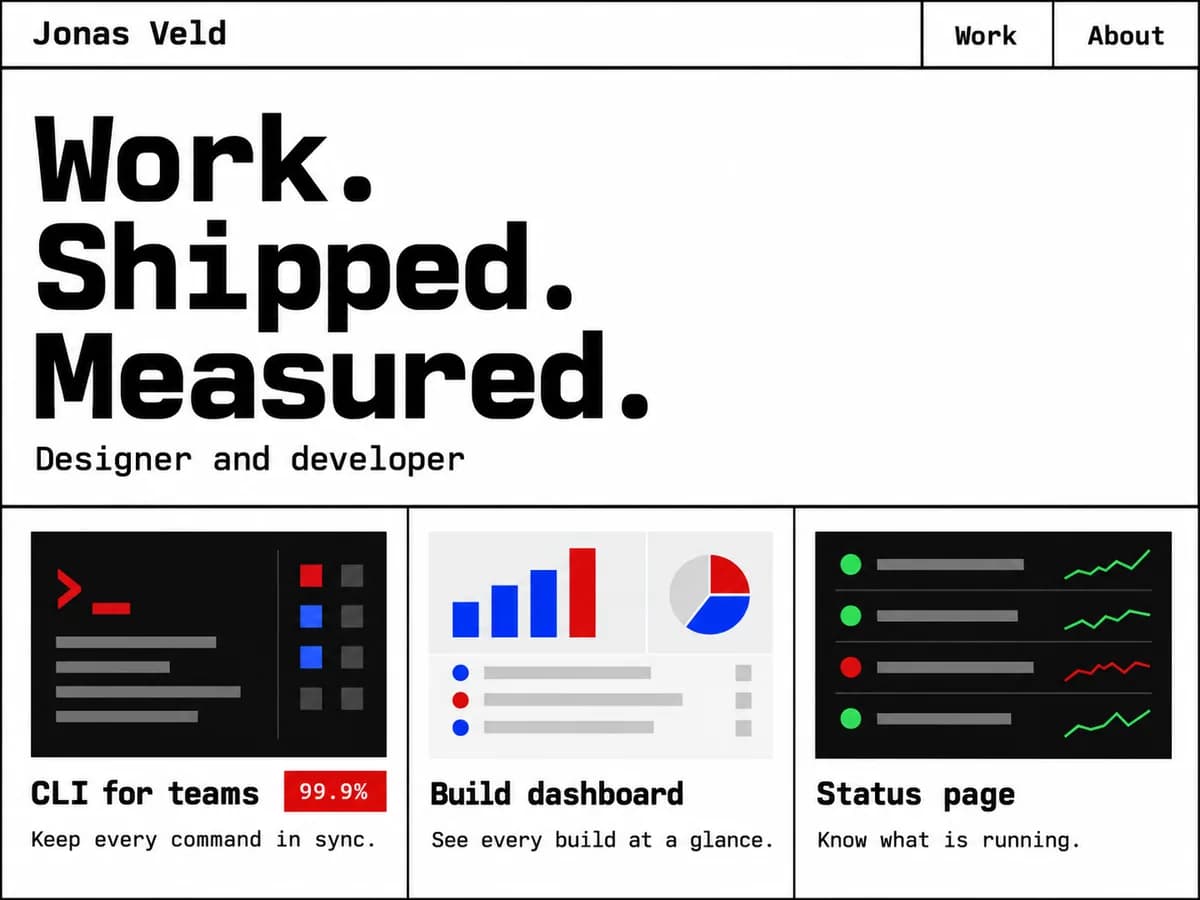
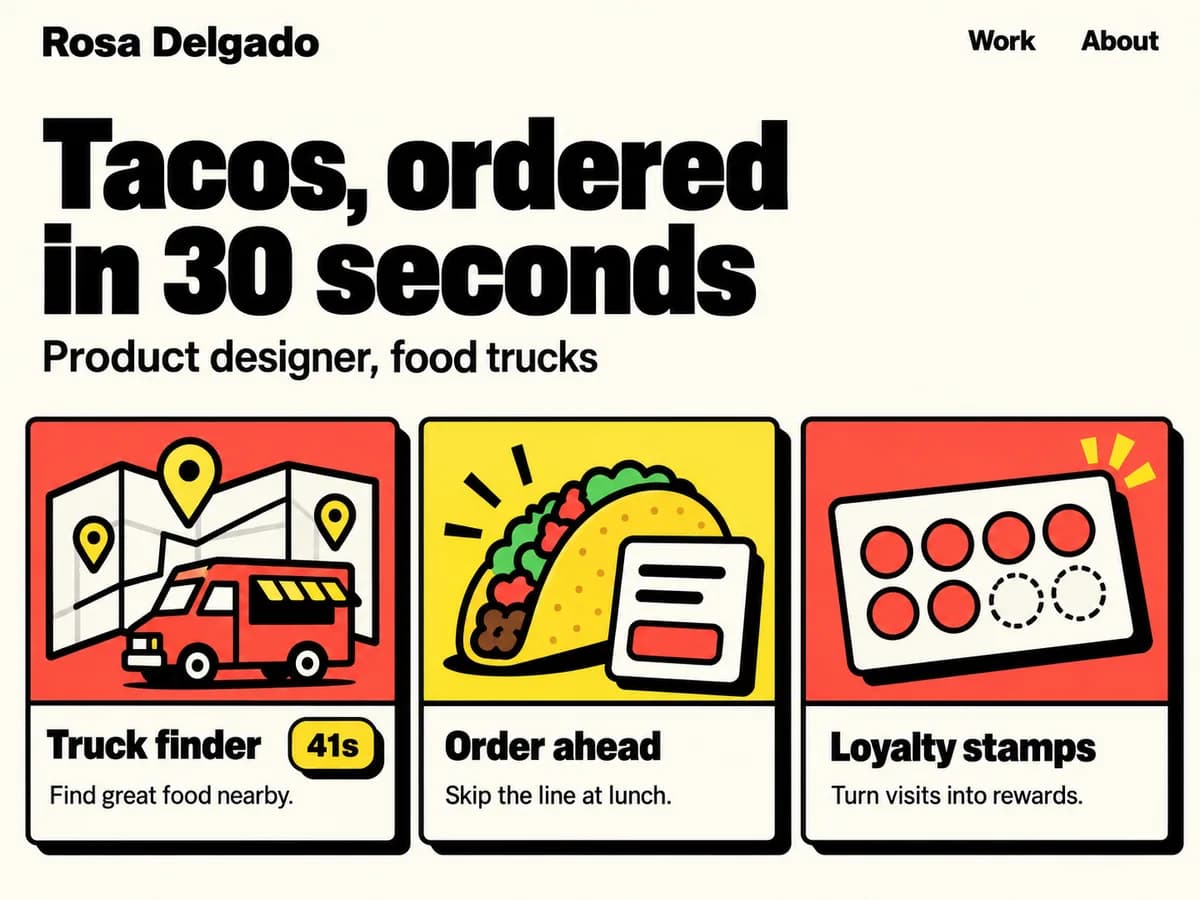
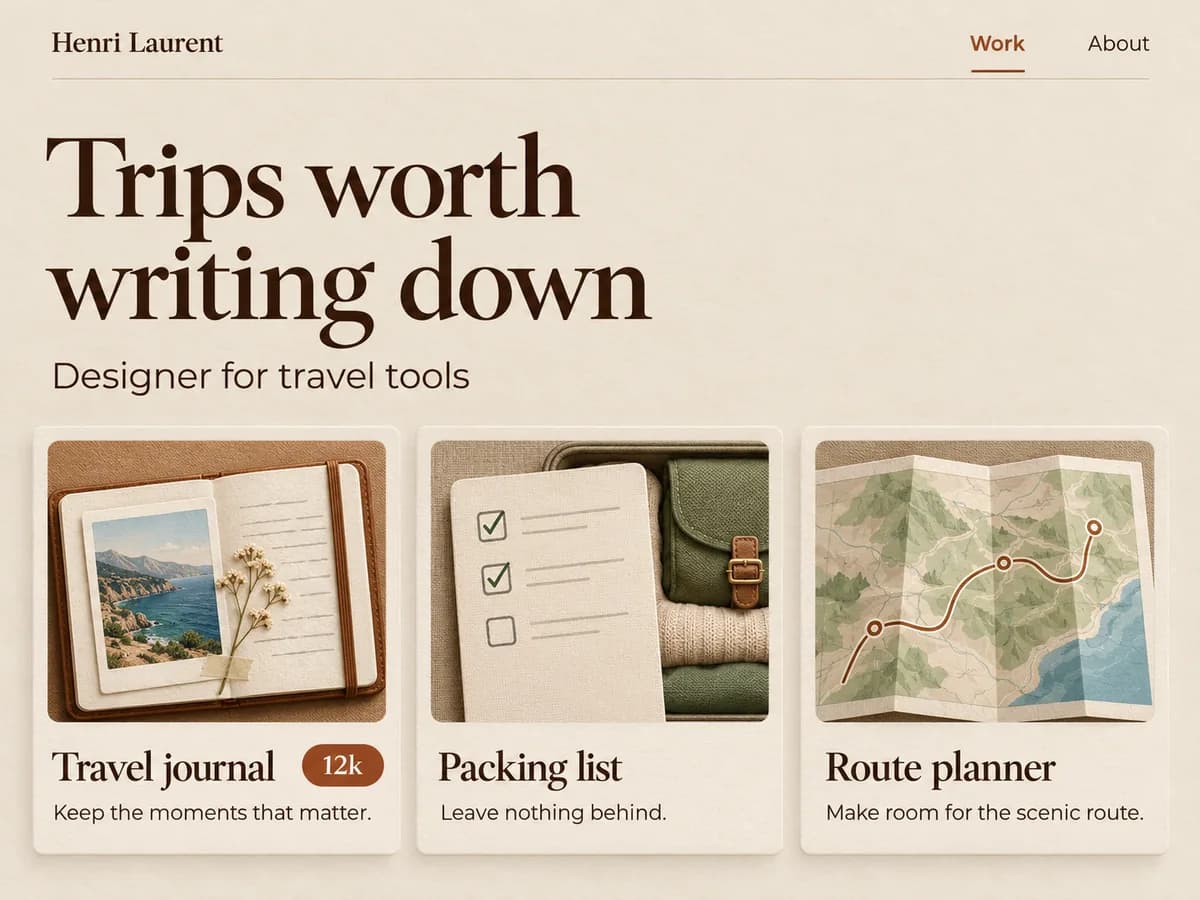
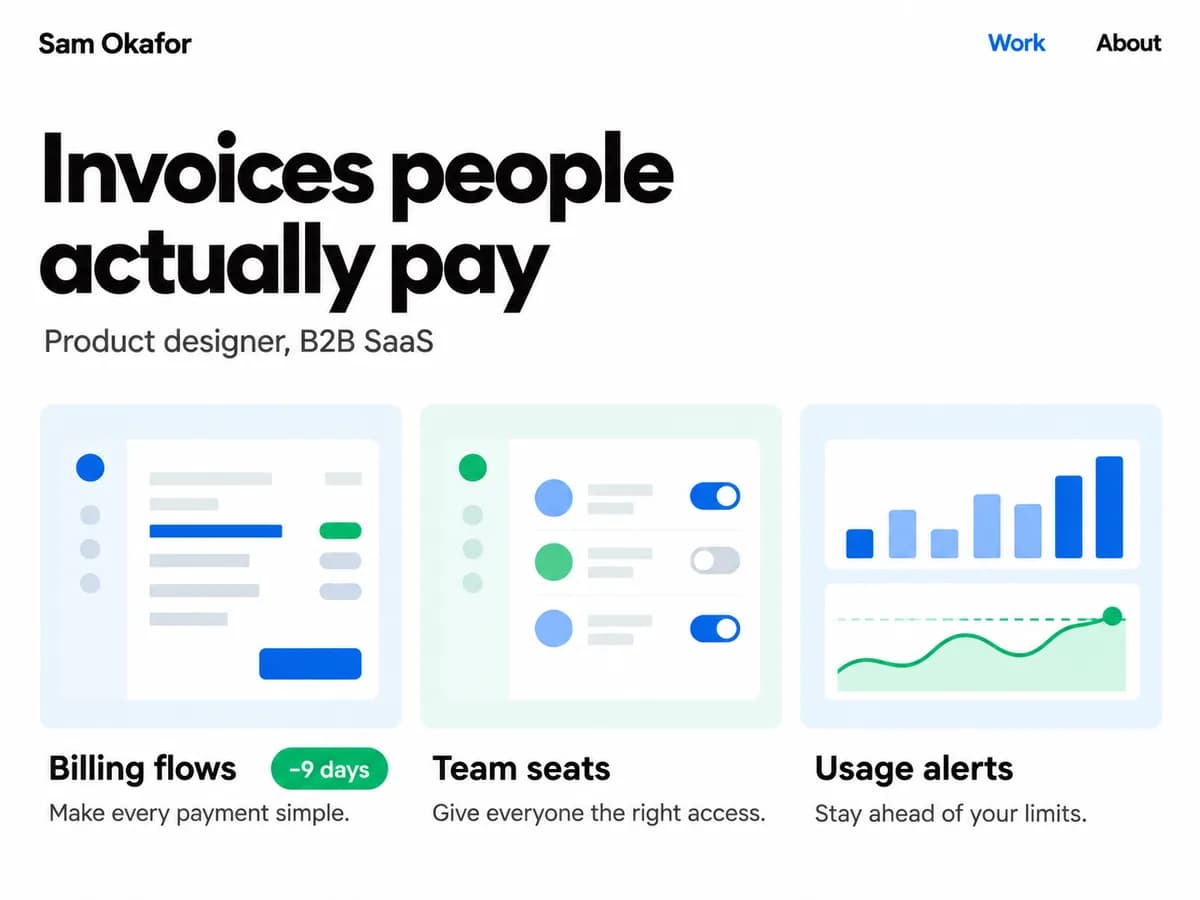
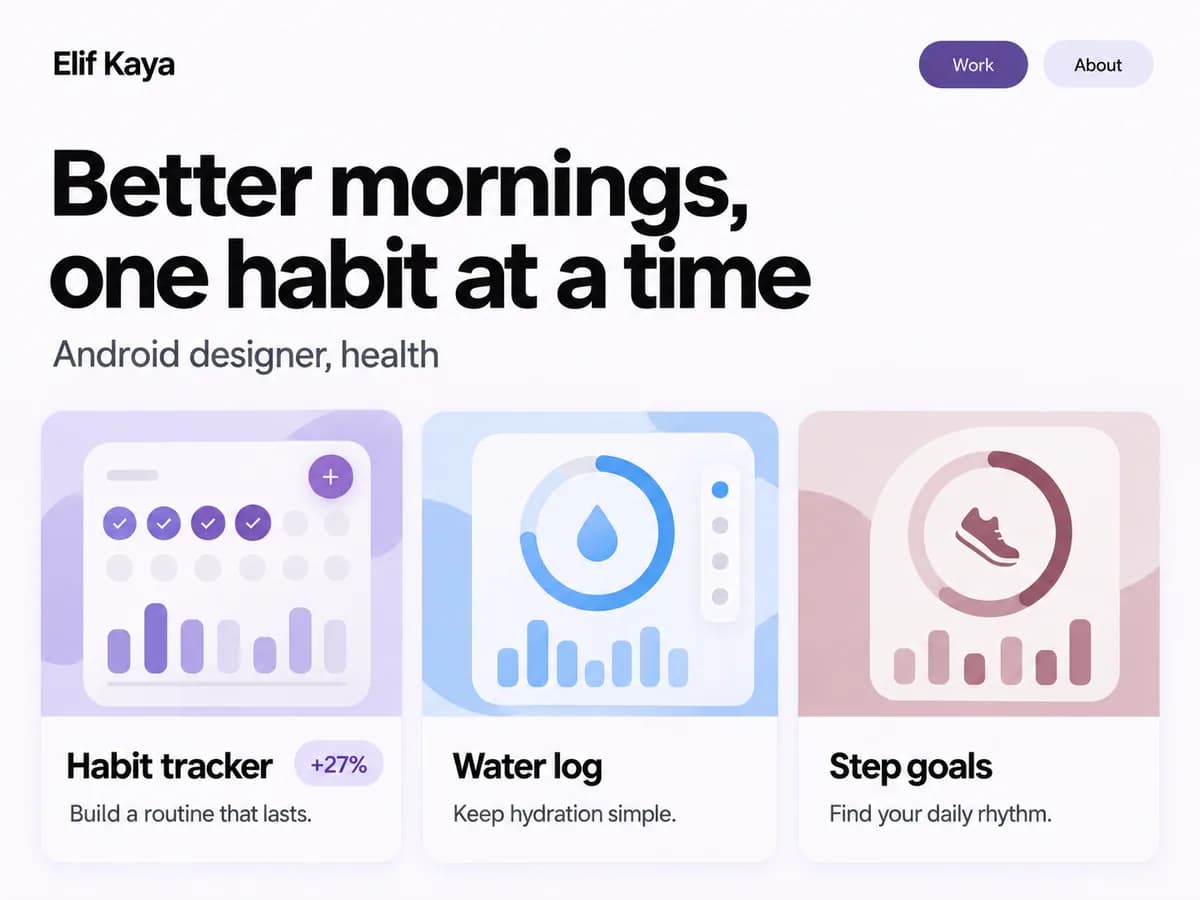
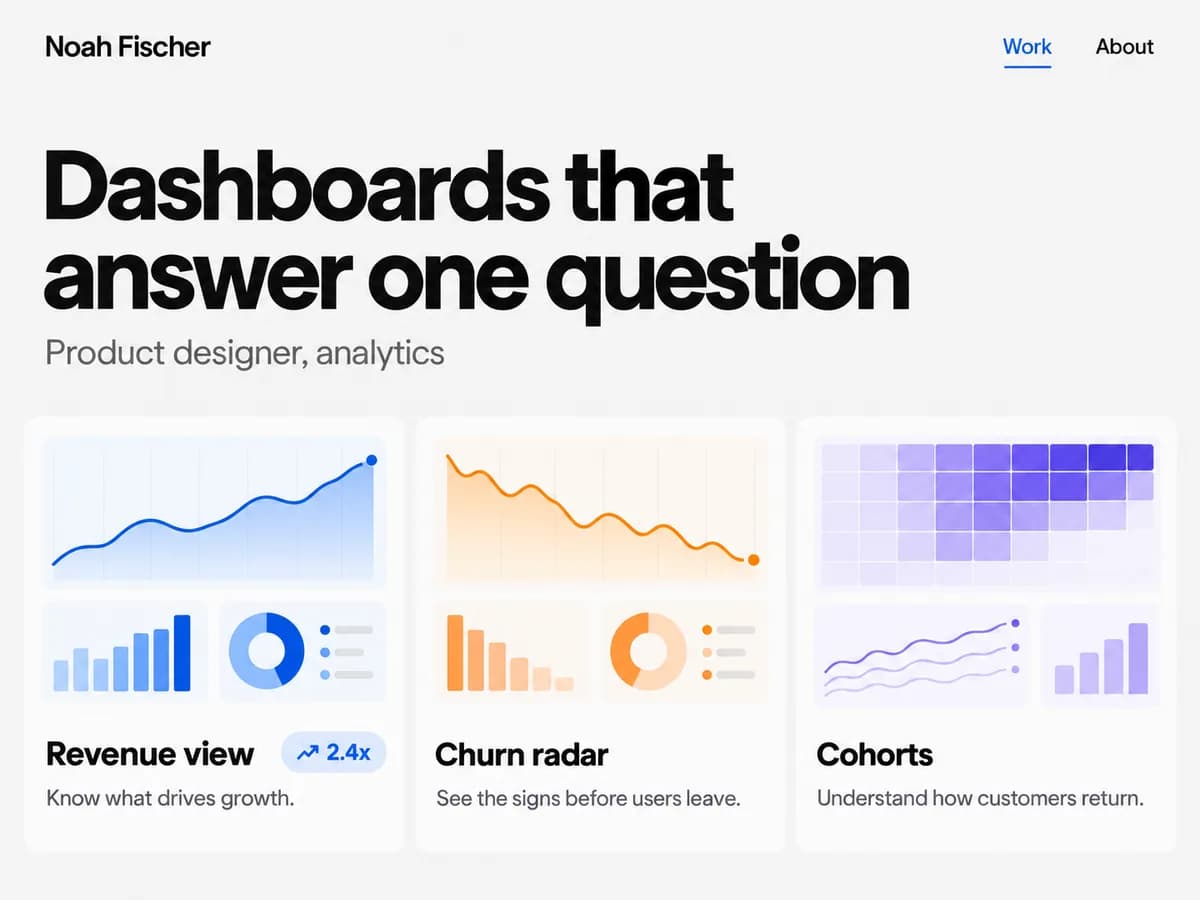
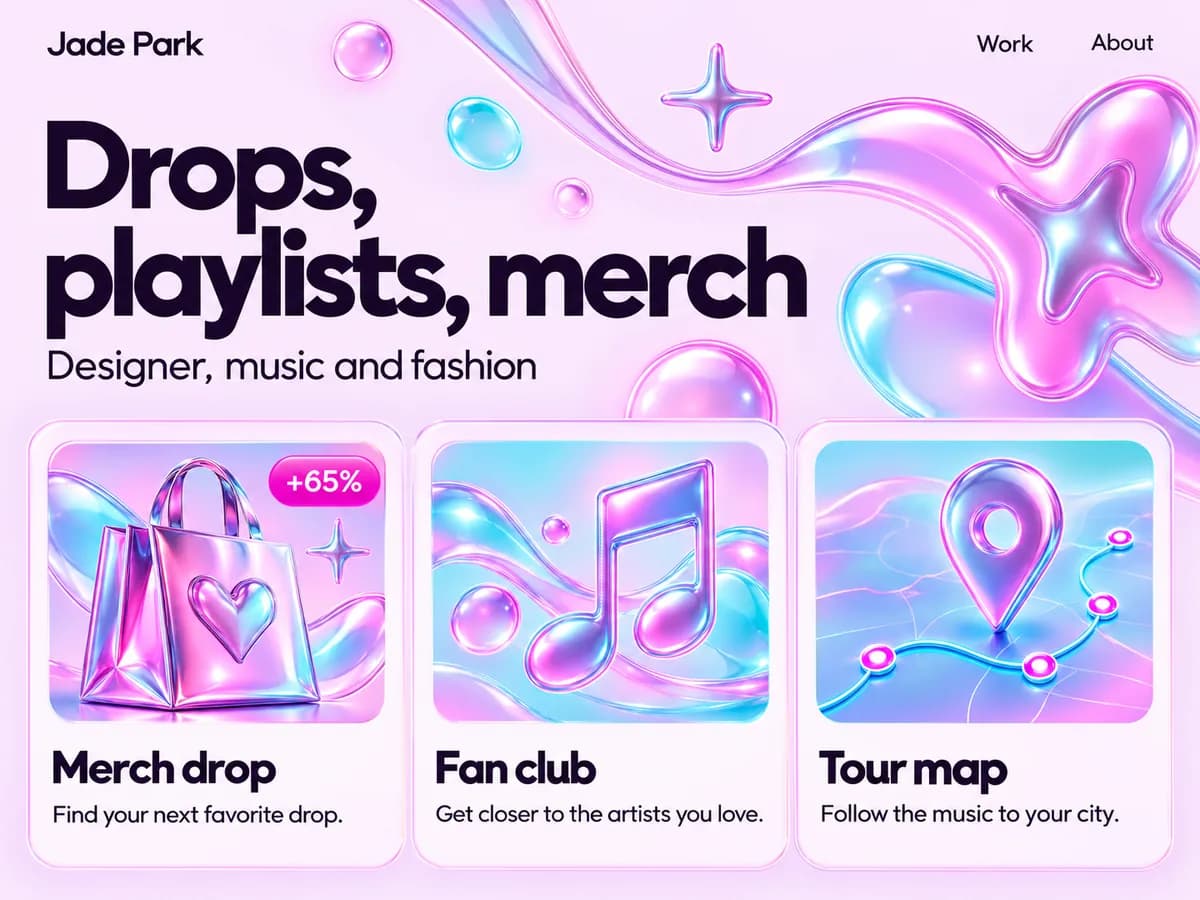
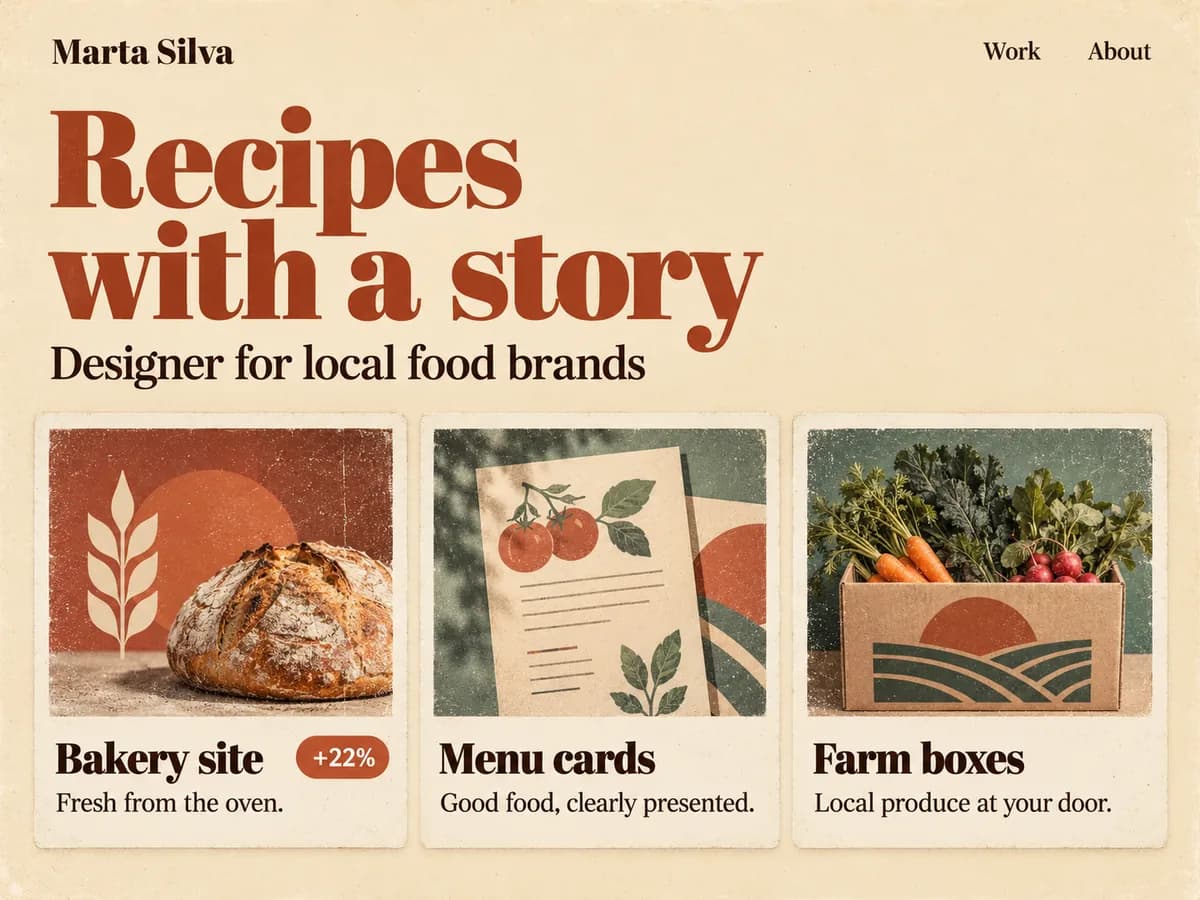
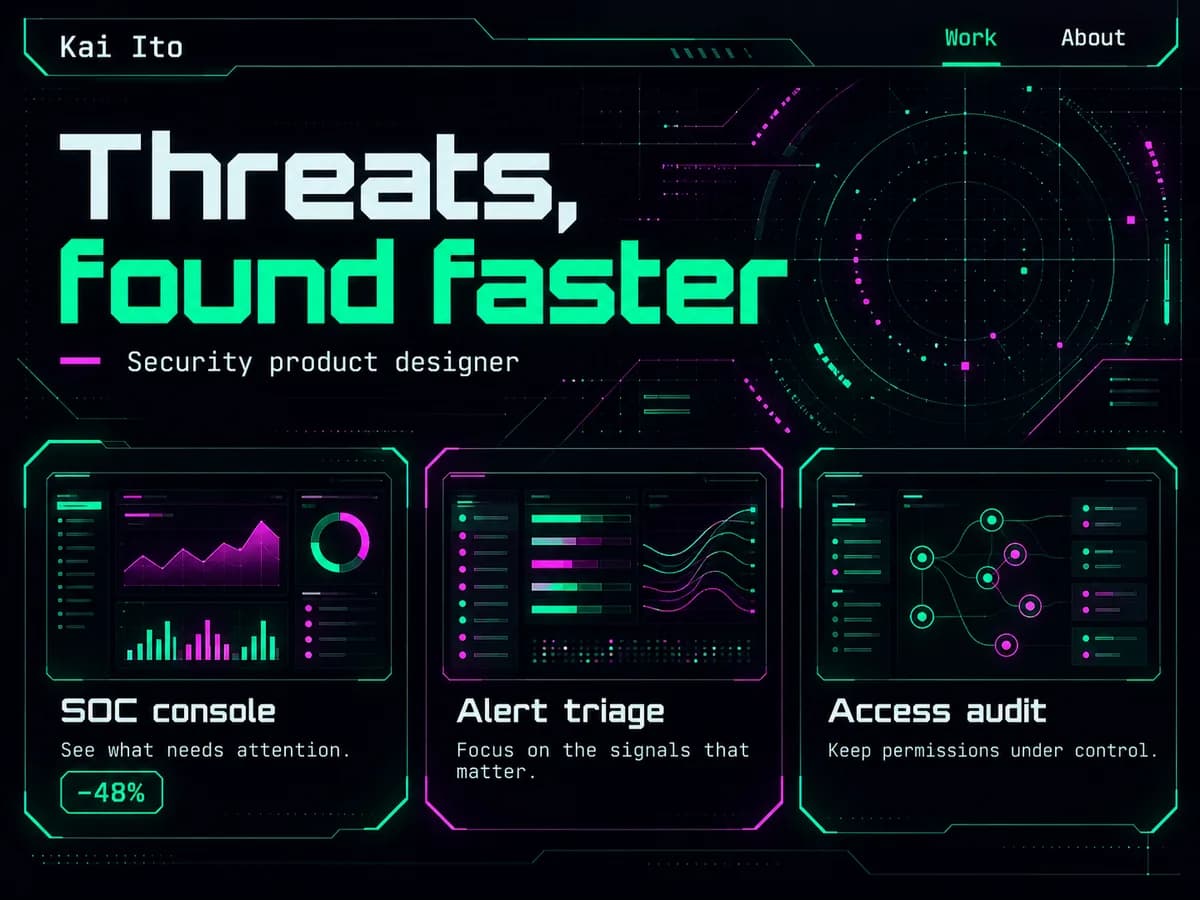
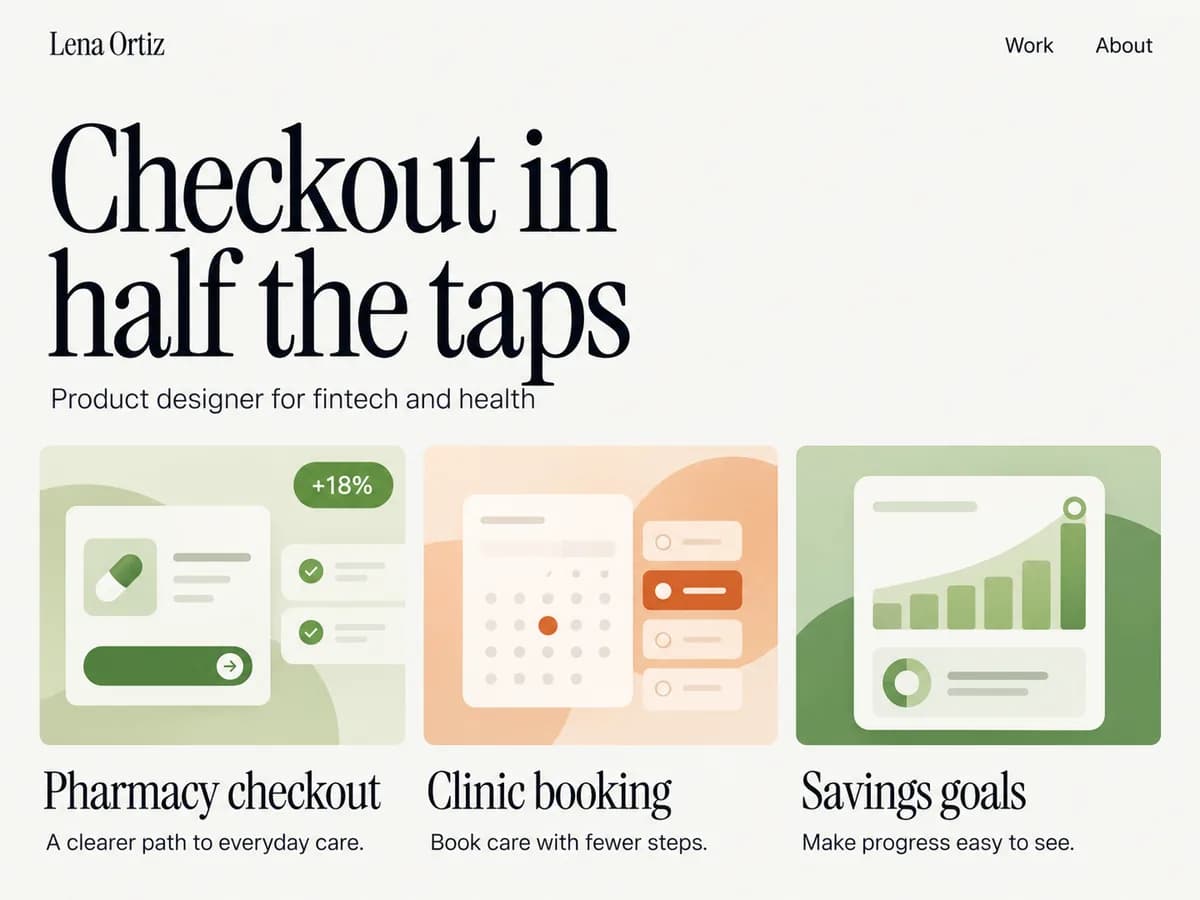
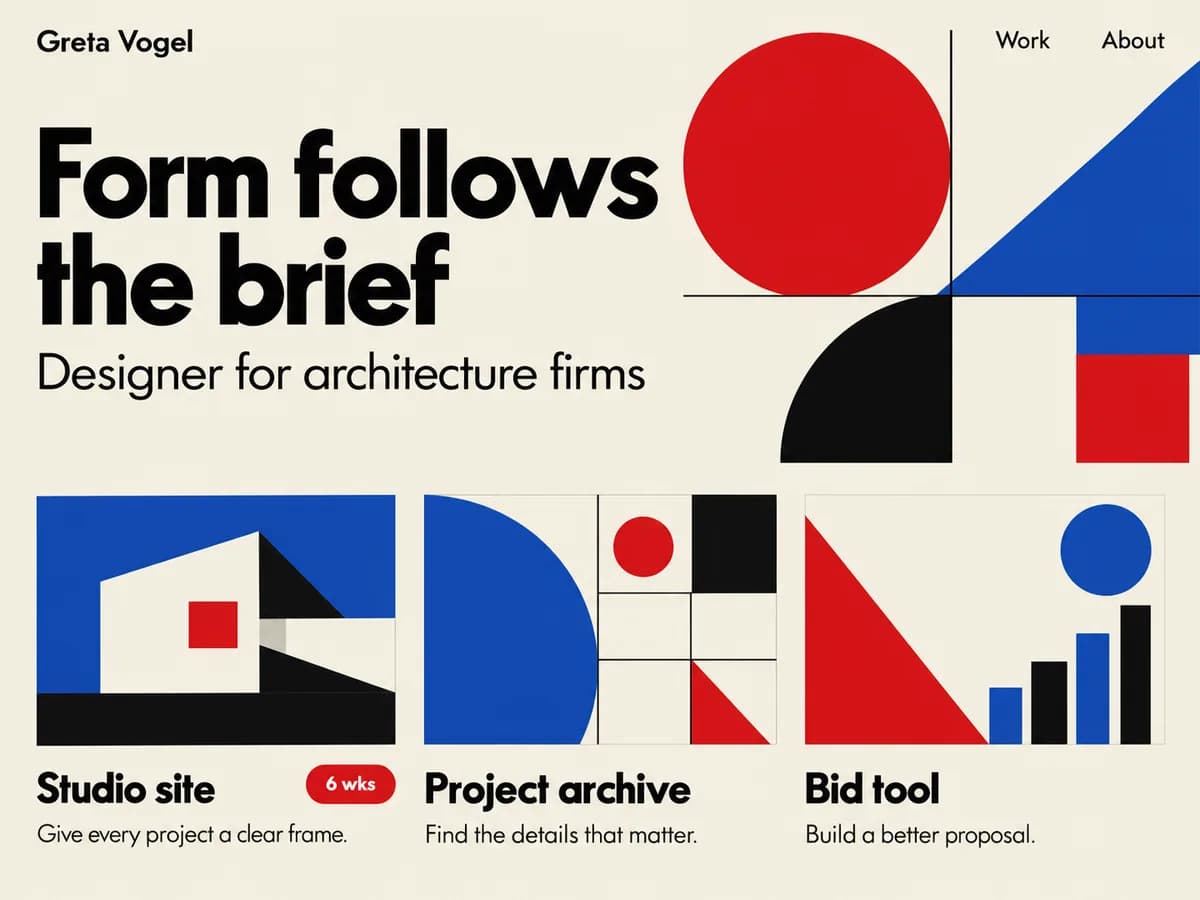
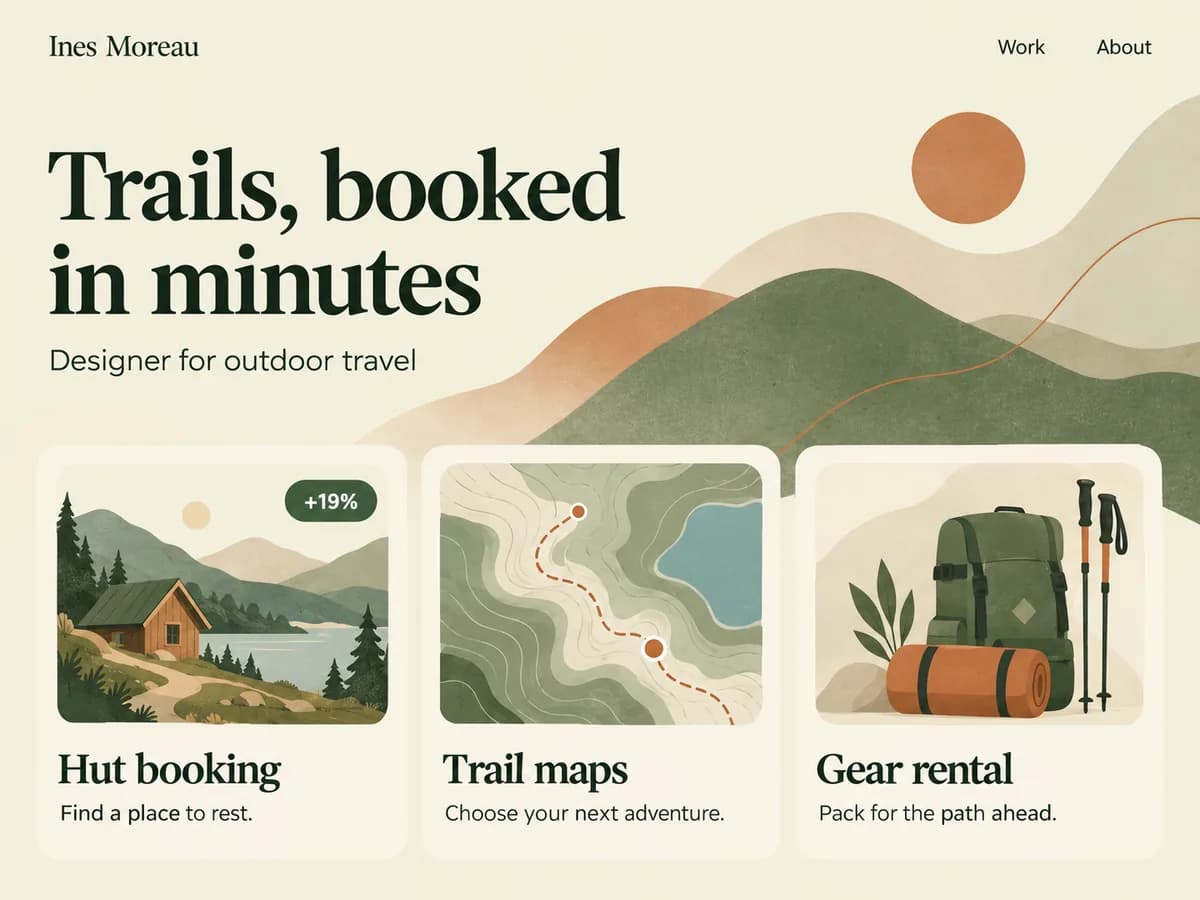
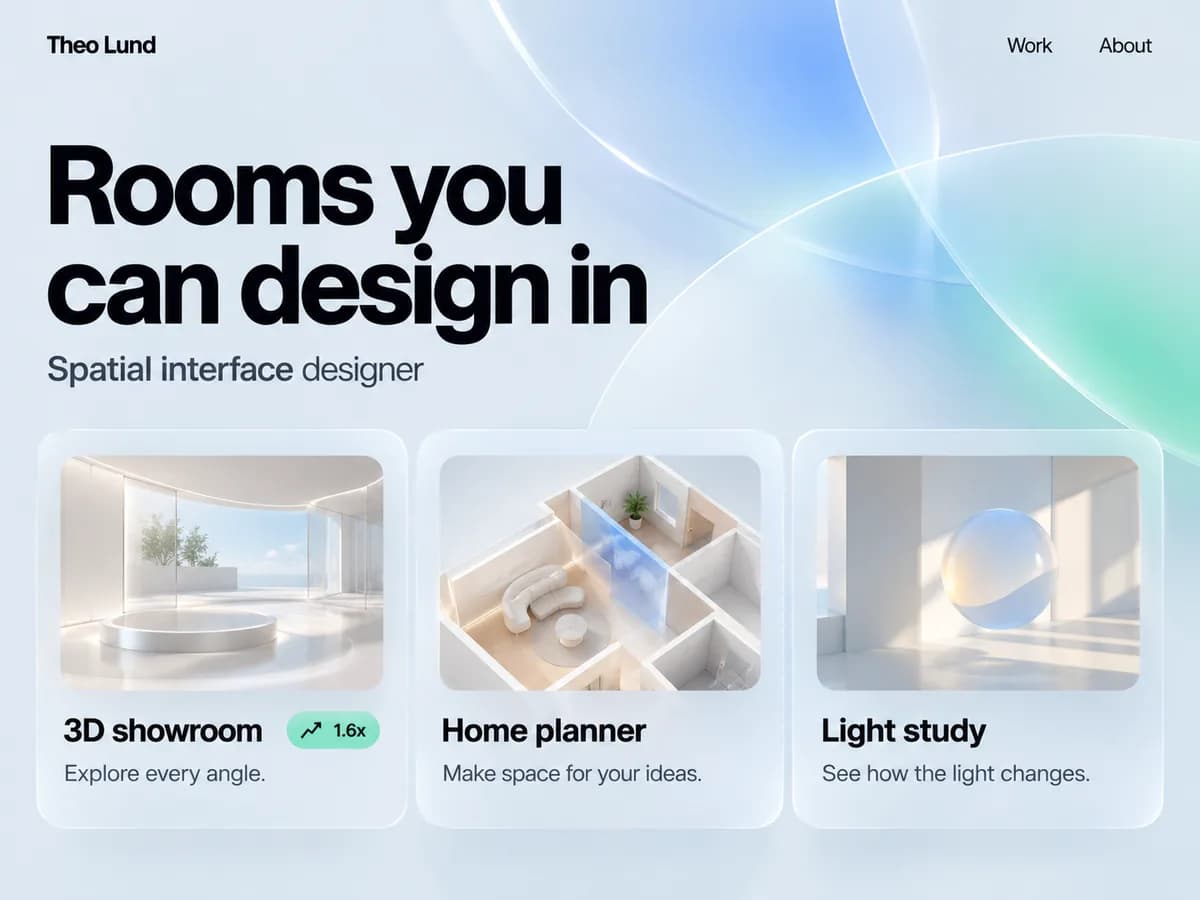
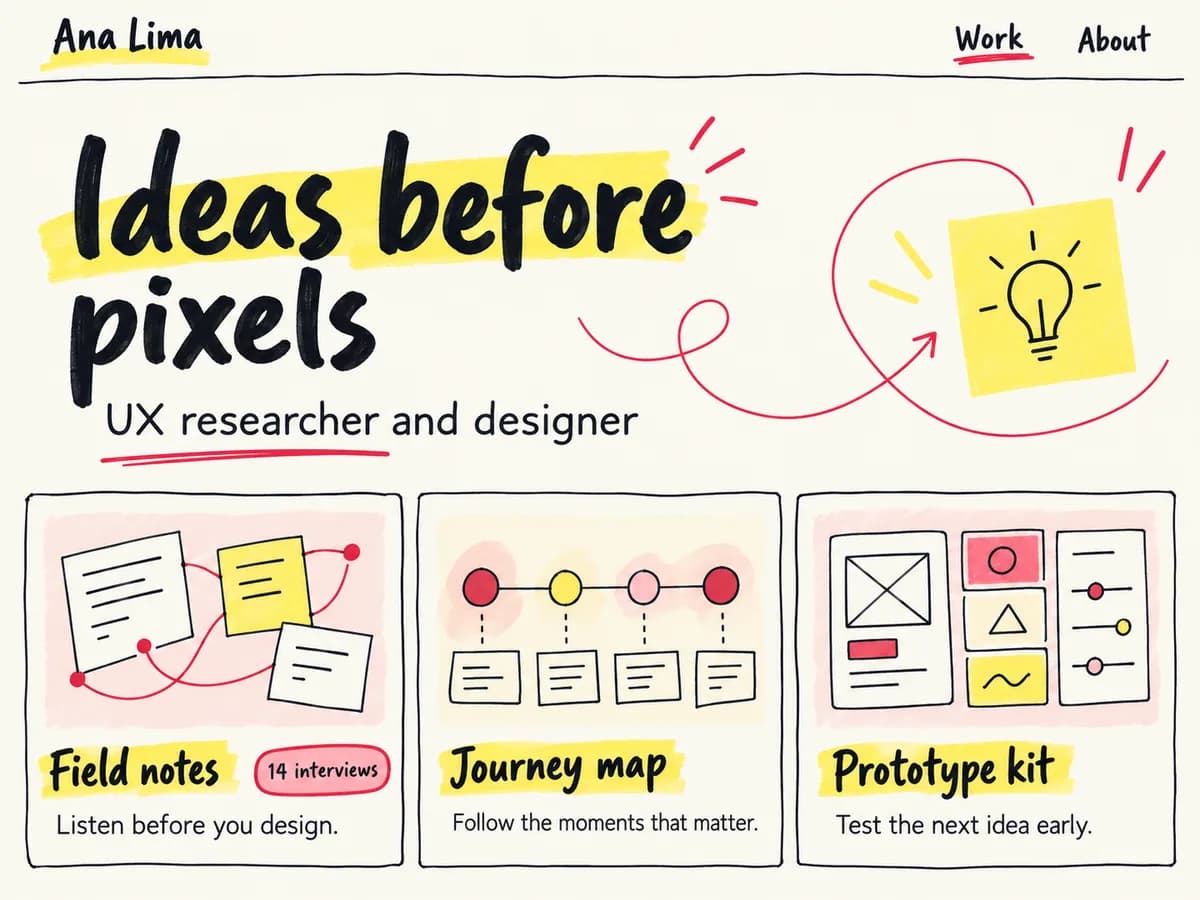
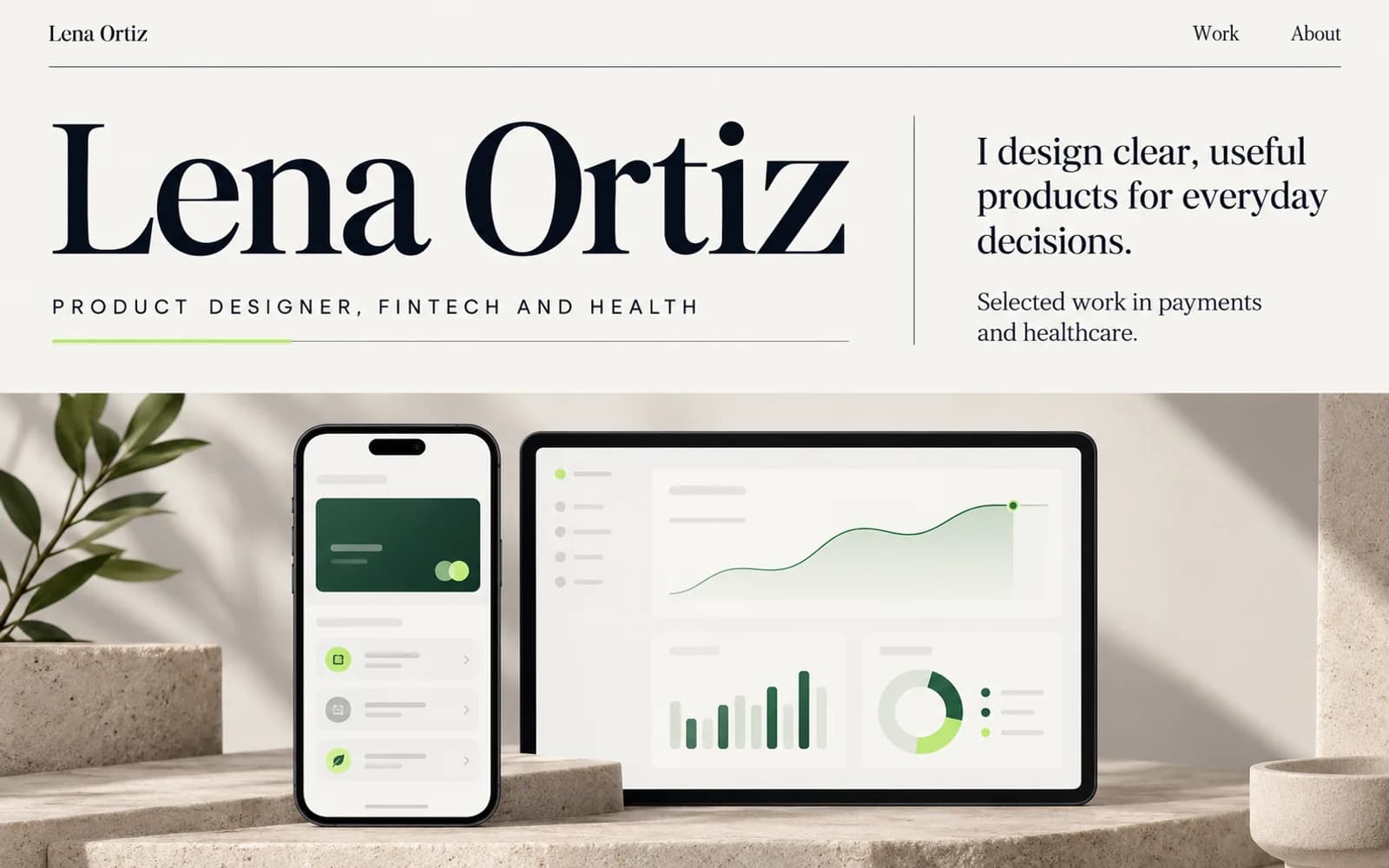
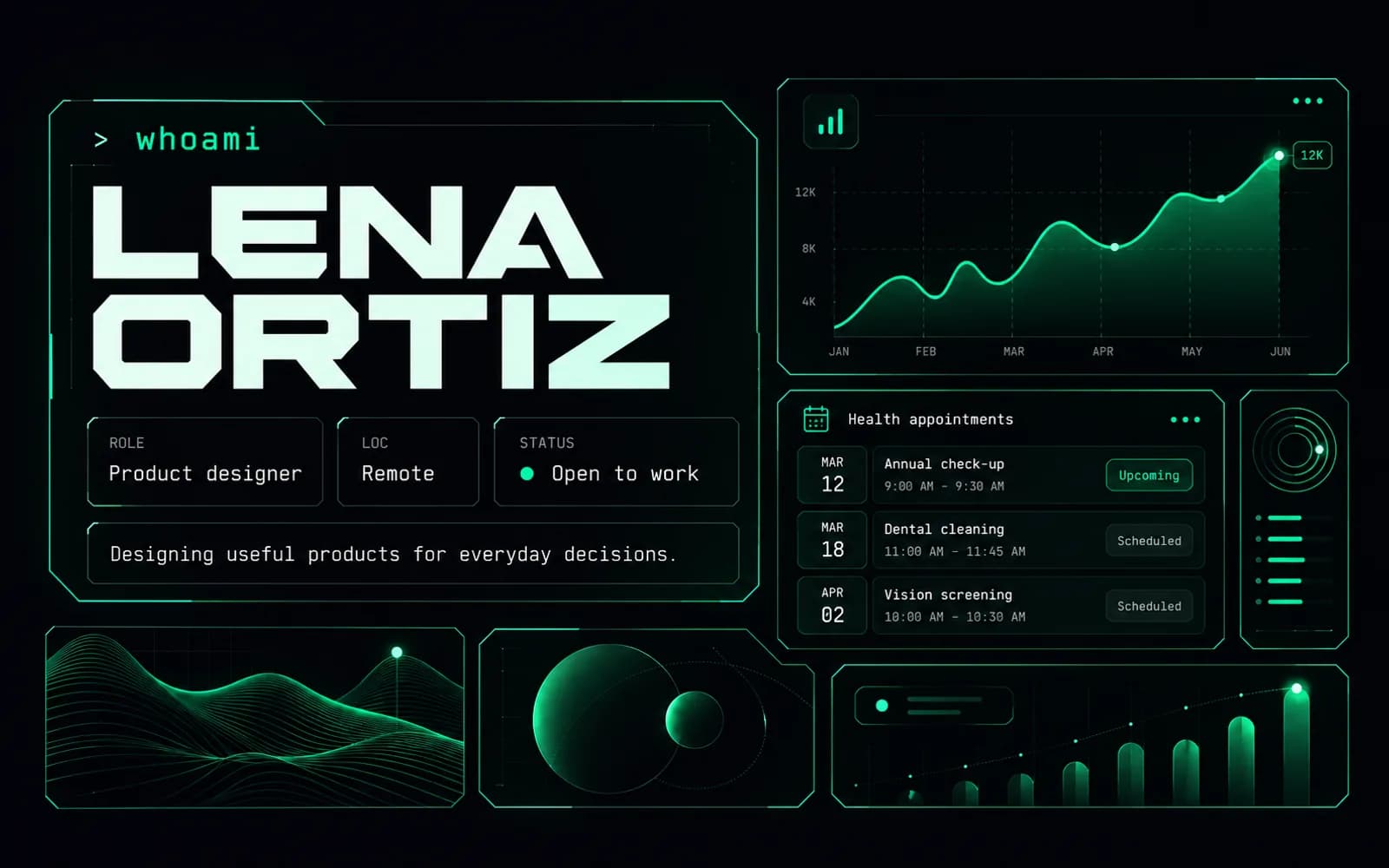
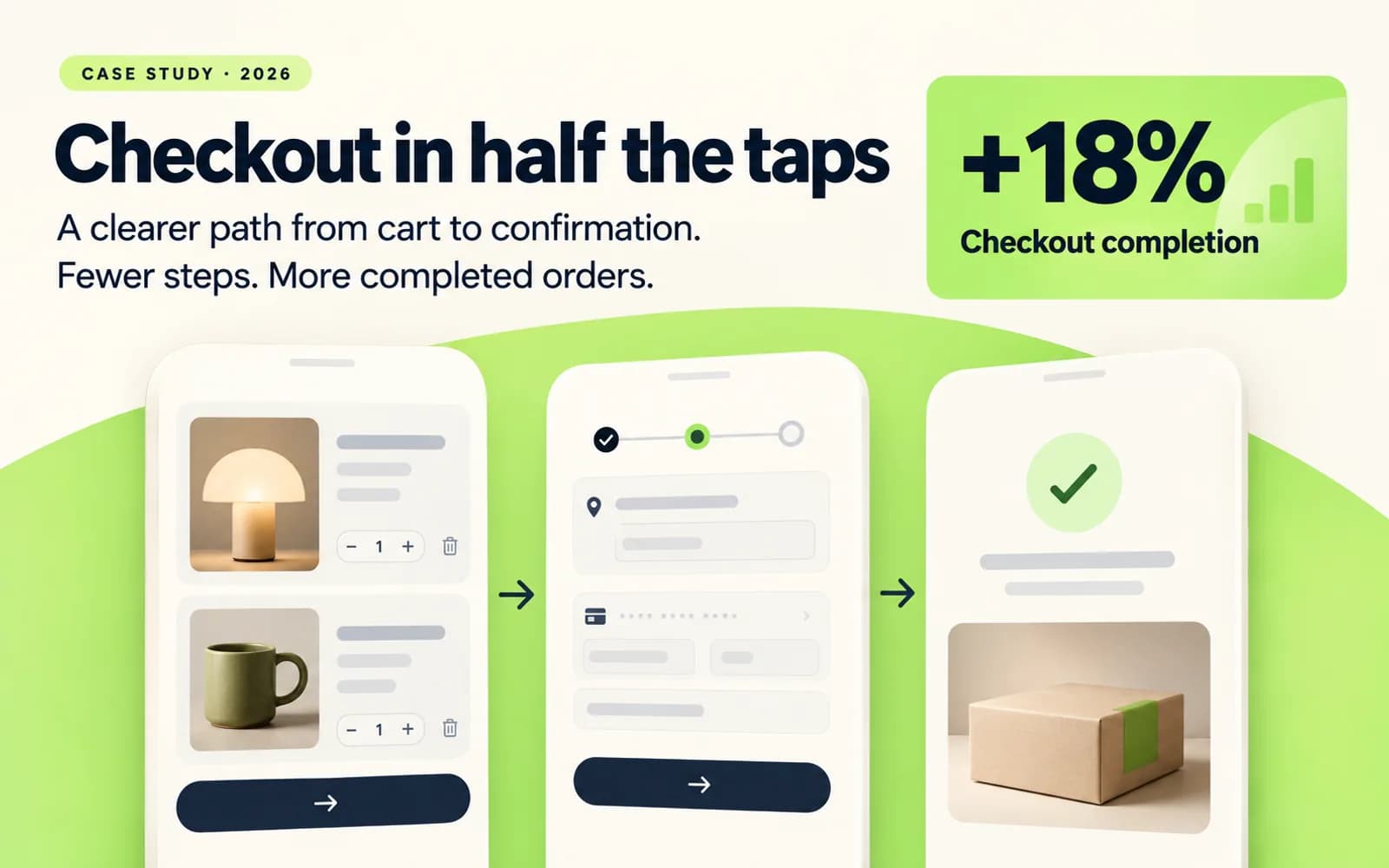
A portfolio home page in a warm editorial styleThe same portfolio in a dark, neon styleA Storycase case study page with a lime accent

How it works

From a folder of screens to a case study you’d actually send.

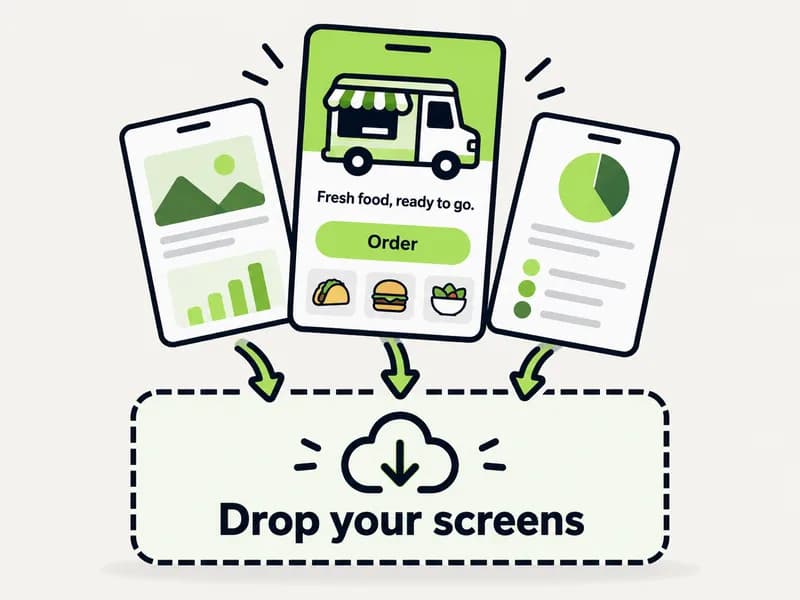
  1. Project screens being dropped into Storycase

    Step 1: Upload

    Drop in screens, sketches or a Figma export, plus a few lines on what you did.

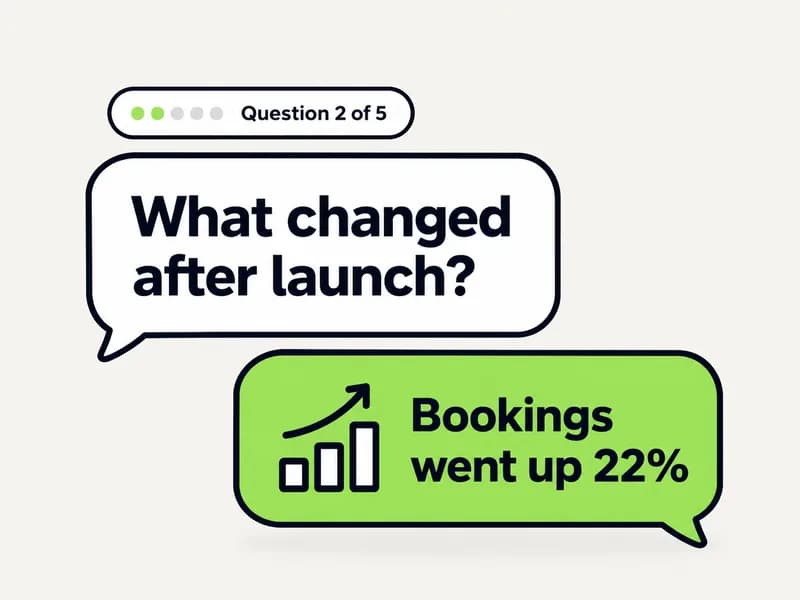
  2. A short interview question about the project

    Step 2: Answer a short interview

    Storycase asks about the problem, your role and the result. Skip anything you can’t share.

  3. A drafted case study with problem, decision and result

    Step 3: Get your story

    A results-first draft in your words: the problem, the decisions, what changed. Edit any line.

  4. The finished portfolio live on phone and laptop

    Step 4: Publish

    Pick a style once and it applies everywhere. Your portfolio goes live at storycase.io/you.

  • Results come first, so a recruiter skimming for 30 seconds sees the outcome.
  • Your numbers only. The AI asks for metrics and never invents them.
  • Built for designers, developers, PMs and anyone else with work to show.

What you get

A case study that leads with the result.

Example layout · story from StylesBot, a real project by Raul Martinez; screens are illustrations

StylesBot · AI style guide generator

A Figma plugin users asked for became the biggest reason they stayed

StylesBot turns a logo or a short brief into a style guide with accessibility checks built in. I designed, built and launched it on my own.

Role
Design, engineering, launch
Scope
SaaS, from zero to launch
Stack
Next.js, PostgreSQL, Gemini
Model
Freemium, no card
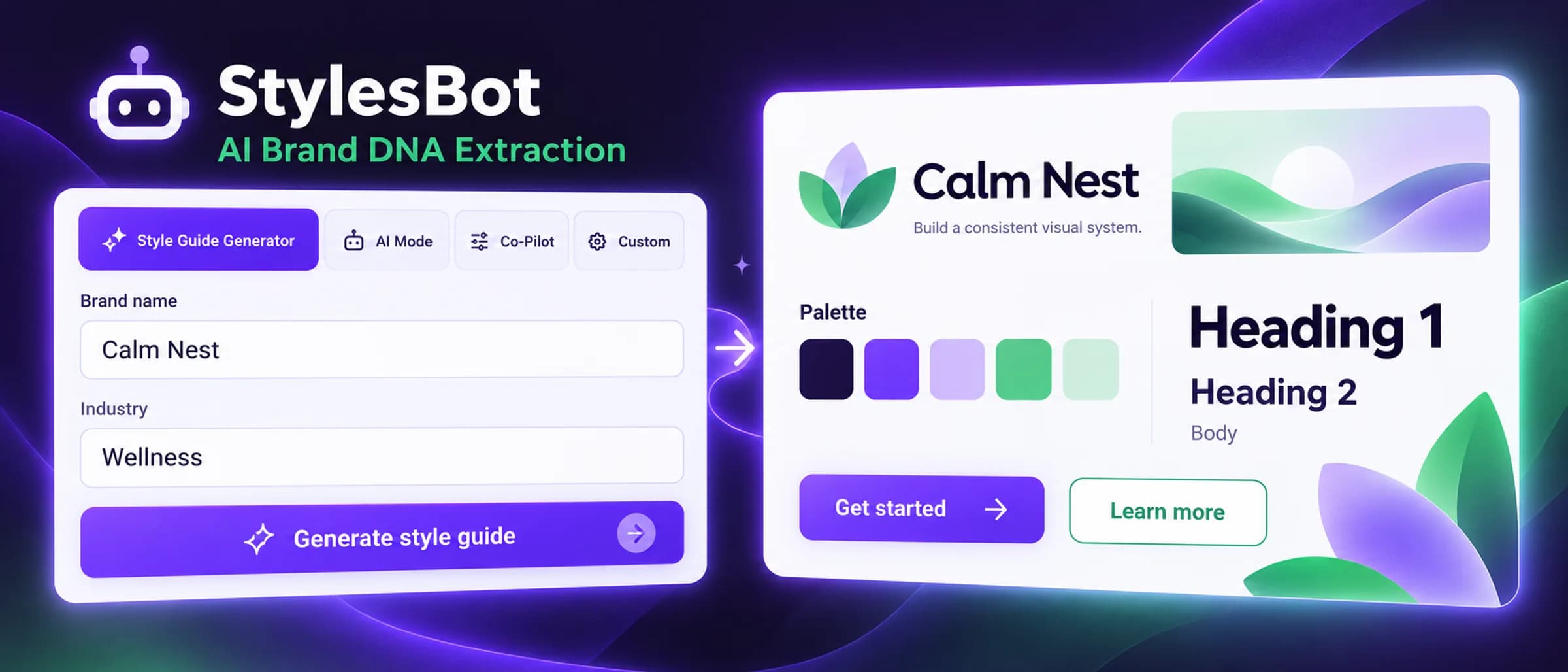
StylesBot style guide generator, cover screen

The problem

Designers, developers and PMs I talked to rebuilt style tiles and tokens from scratch on every project, and accessibility got checked after handoff, if at all.

Key decision

Run WCAG checks while the guide is generated, and show a live website preview that picks up every color and type change.

Result

After launch, users asked for Figma. A plugin that writes the tokens as native Figma Variables became the main reason people kept using StylesBot.
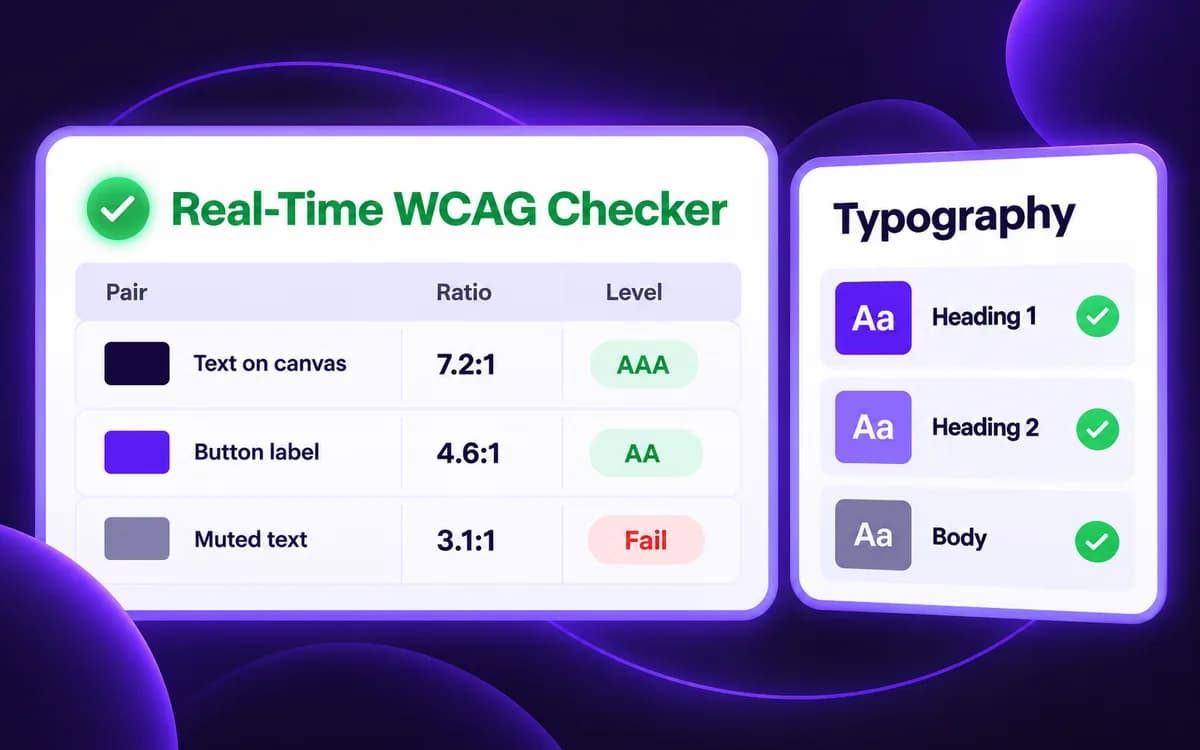
  • Real-time accessibility checks during generation
    Checks during generation
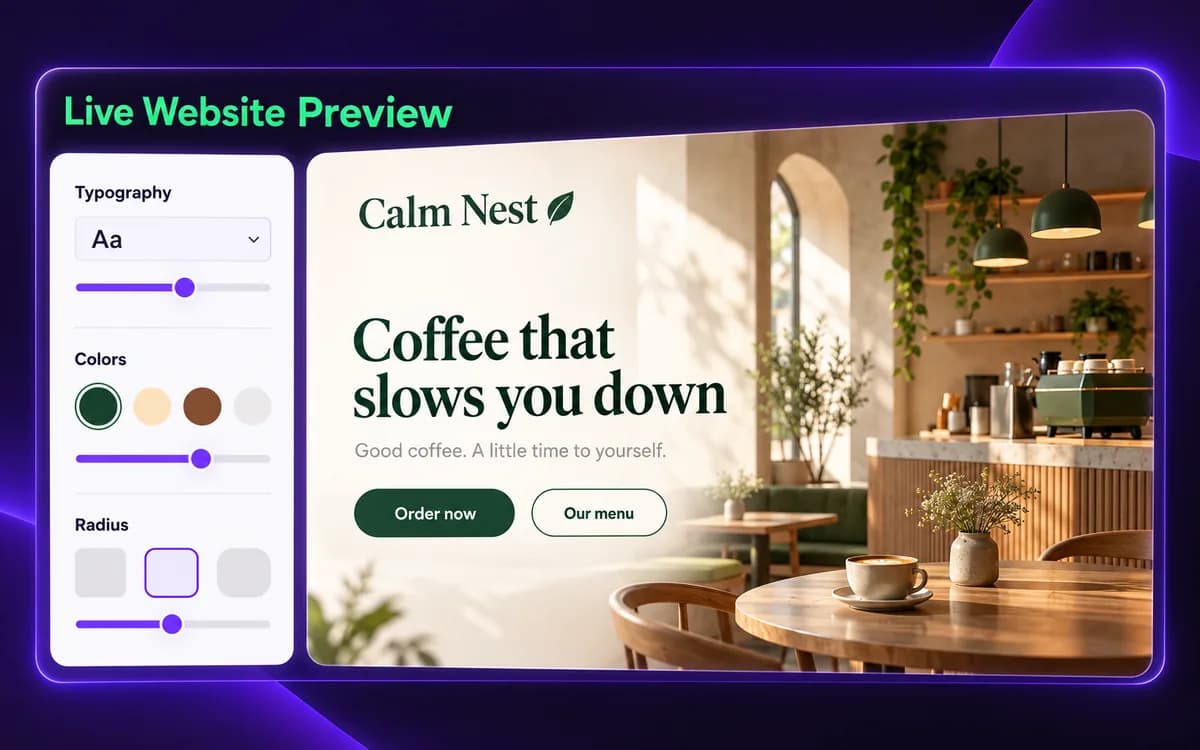
  • Live website preview of a generated style guide
    Live website preview
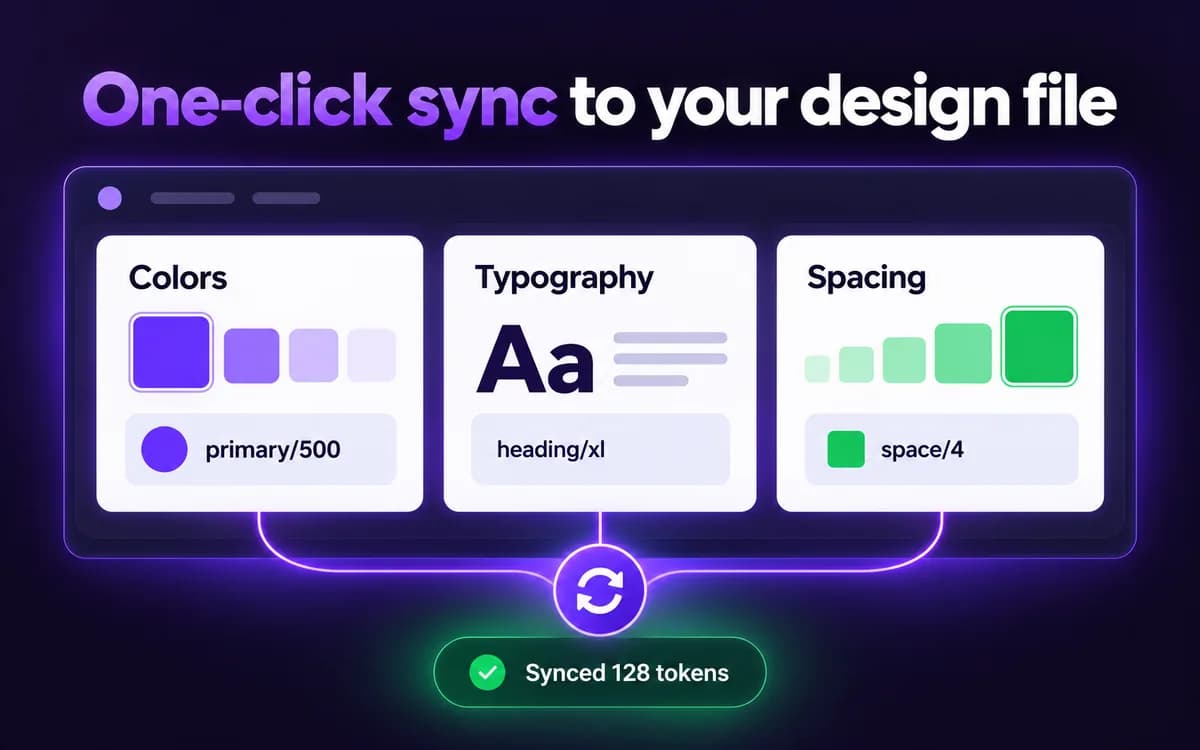
  • Style guide tokens synced into Figma variables
    Figma Variables sync
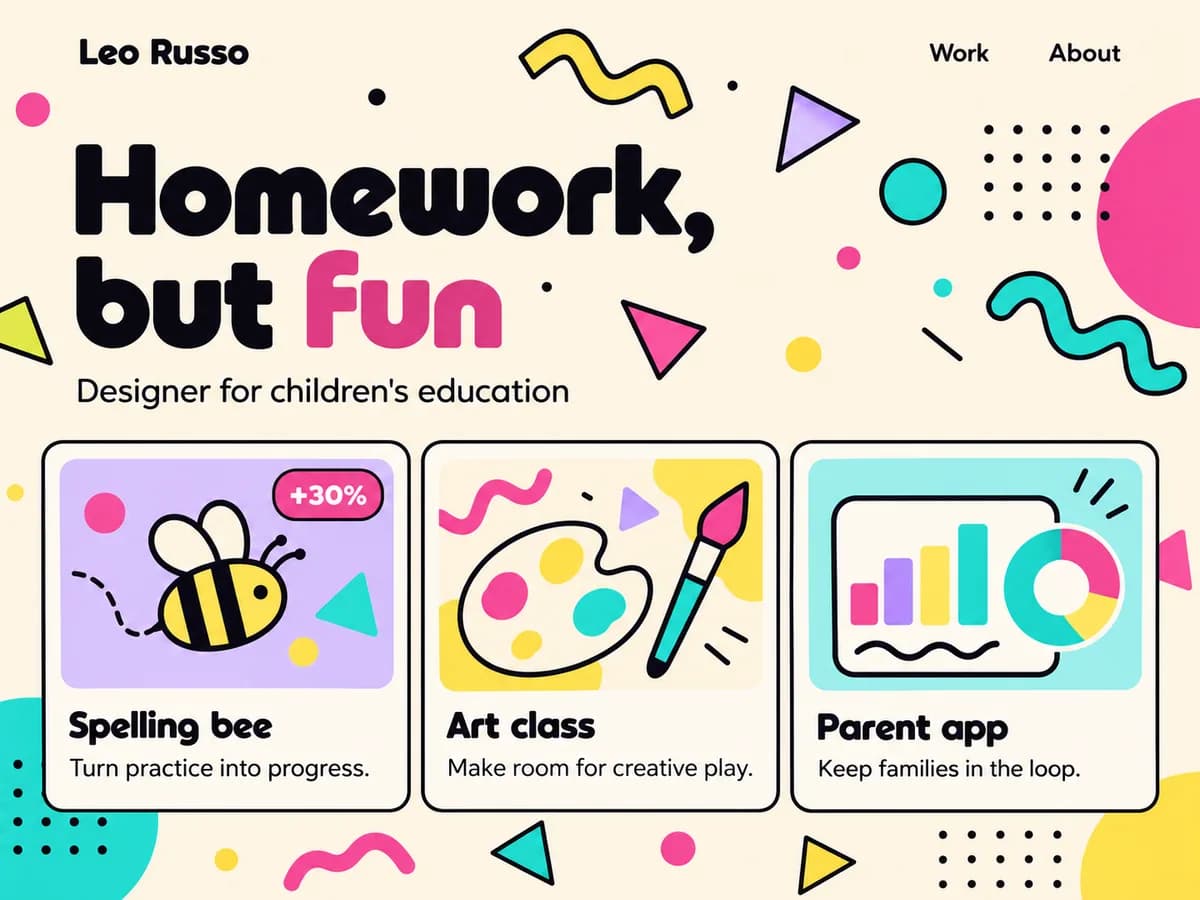
Styles

Set the look once. Every page follows.

21 styles, any Google Font and your own colors, on every plan.

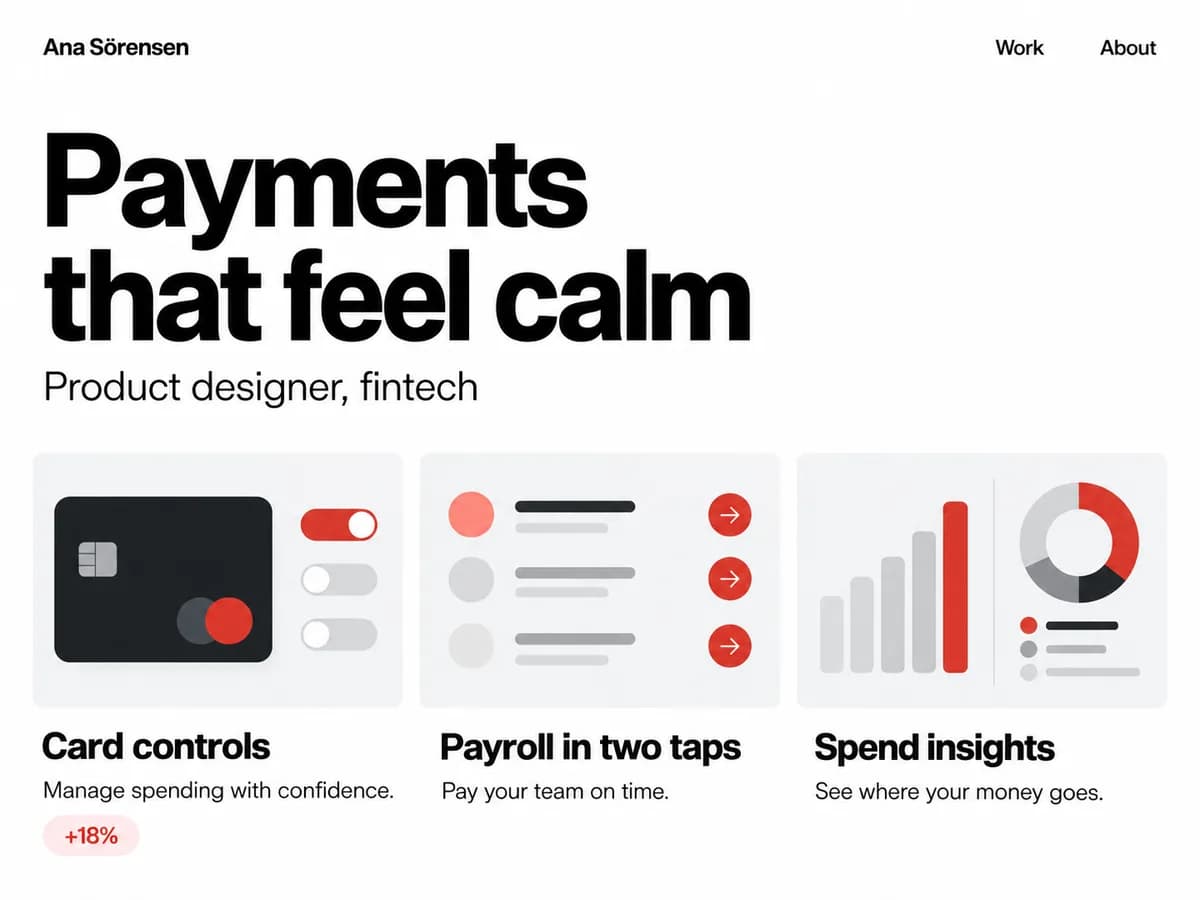
Portfolio home page in the Minimalism style

Style 01

Minimalism

Swiss grid, white space, one accent. Nothing decorative.

Showing style 1 / 21

Pricing

Start free. Upgrade when you’re ready to send it out.

Free

$0

A home page and your best project, online for good.

  • Home page plus 1 published project
  • Your first case study is on us
  • 10 one-time credits for edits and redrafts
  • All styles, any Google Font, any colors

Pro

$12a month

For a full portfolio you keep current.

  • 120 credits every month
  • Unlimited published projects
  • Your own domain
  • Password-protected pages
Compare plans and see what credits cost

Questions

Will it make things up?

No. Storycase shapes and tightens what you give it. When a result needs a number you didn’t provide, it asks you for one and leaves a gap until you answer.

I’m not a designer. Is this for me?

Yes. Developers, product managers, researchers and marketers use the same flow. If you shipped it, you can show it.

Can I edit everything?

Every word, image and style. Manual edits never cost credits.

What does Free include?

A home page and one published project at storycase.io/you, your first case study at no cost, 10 one-time credits and every style.

Can I use my own domain?

Yes, on Pro. Free portfolios live at storycase.io/your-username.

What about confidential work?

Crop or blur screens before you publish. On Pro you can put a password on any page.

Your best project deserves better than a slide deck.

Start free